From “who’s winning?”
to one honest table
Pub leagues live in group chats and on the backs of beer mats. ScoreTable replaces the arguments with one live league table — standings, fixtures and brackets computed automatically from the scores you tap in, synced to every device through iCloud.
- Any sport, any rules. Quick-start templates for 8 Ball, Football, Ping Pong, Darts, Basketball, Cricket, Hockey and Free Play — or configure your own points and tiebreakers.
- No accounts, no setup. Tournaments live on-device in SwiftData and sync via your iCloud — nothing to register, nothing to host.
- Made for the table. Big tap targets, steppers for scores, haptics everywhere, and a screen that reads at arm’s length.
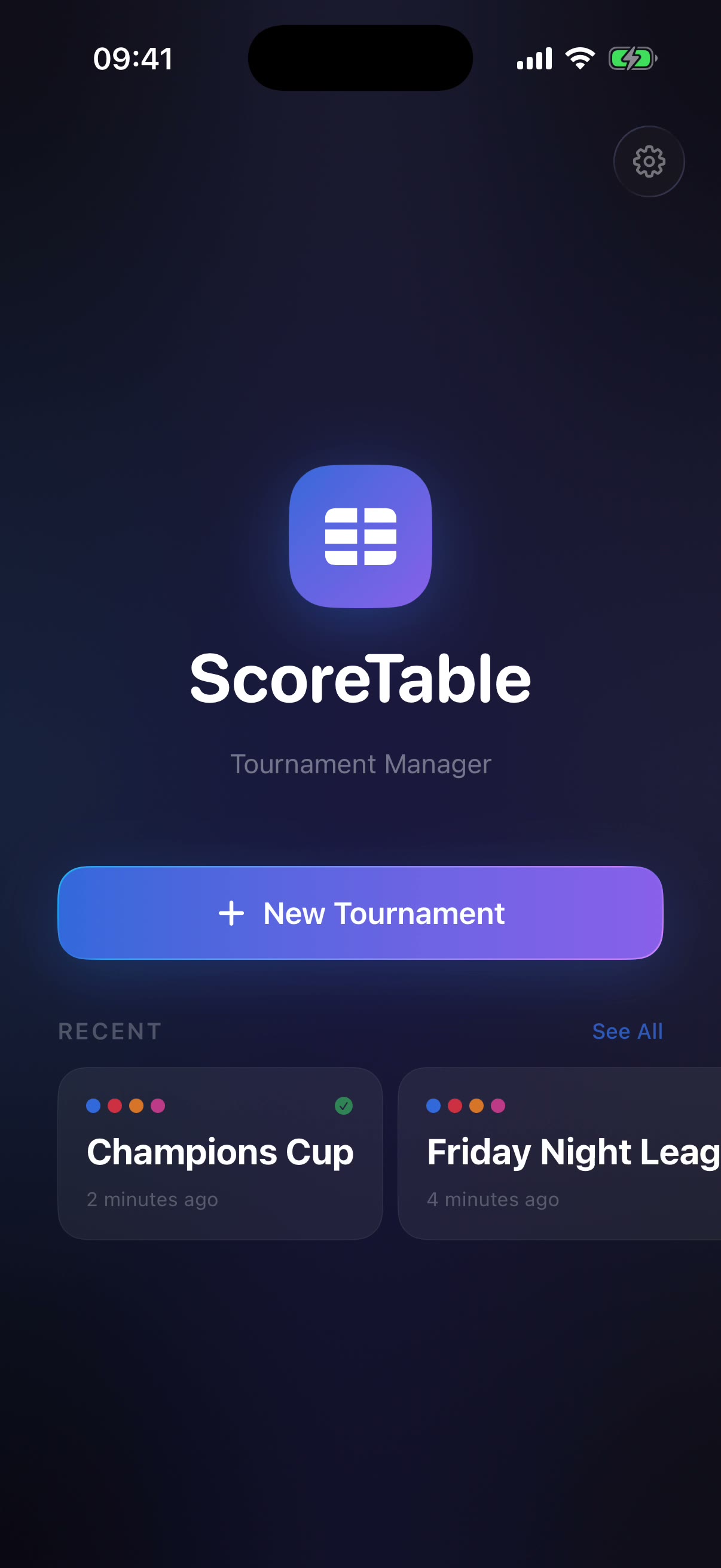
Thirty seconds to first score
An animated splash and a five-page onboarding introduce the loop — create, score, share — and then get out of the way. Skippable at any point.
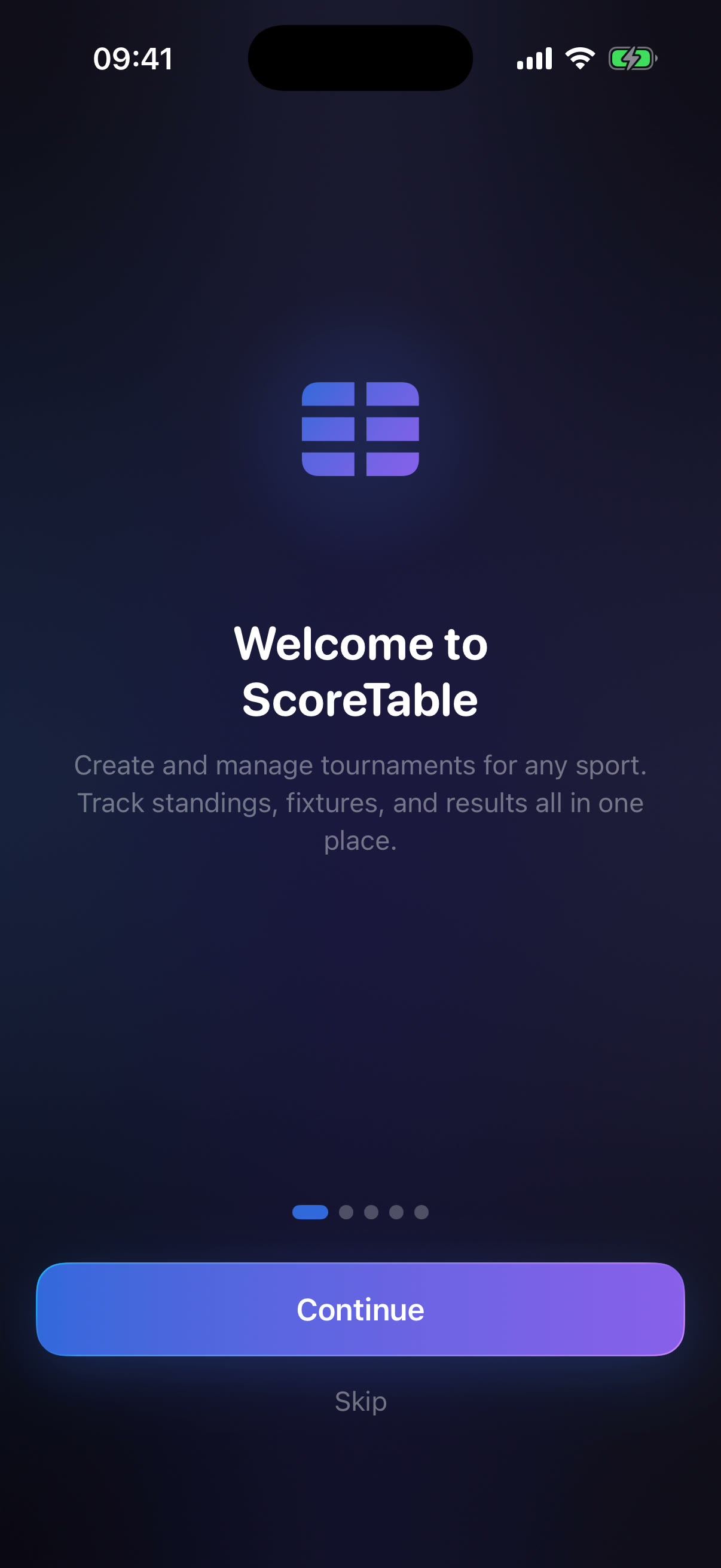
Welcome
Create and manage tournaments for any sport, all in one place.
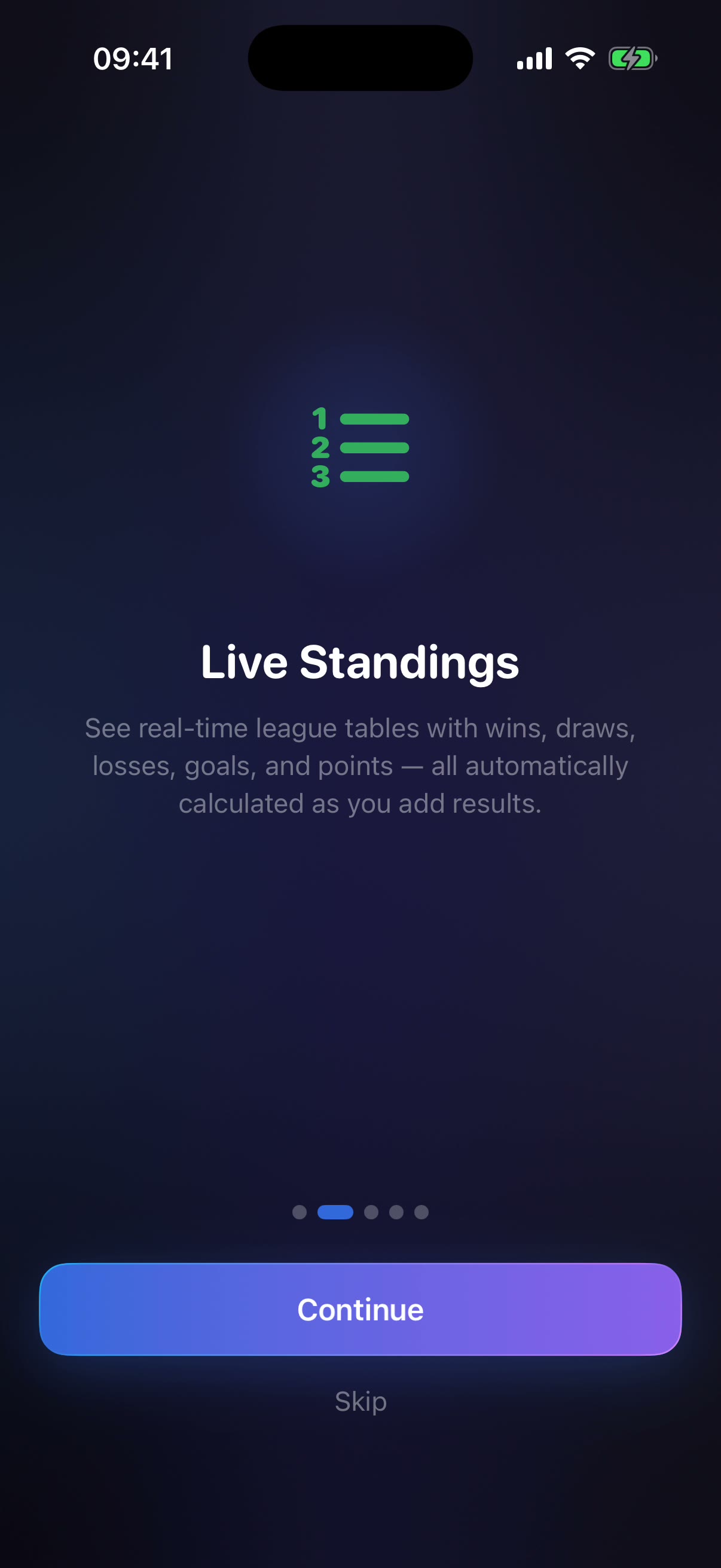
Live standings
Wins, draws, losses, goals and points — recalculated as every result lands.
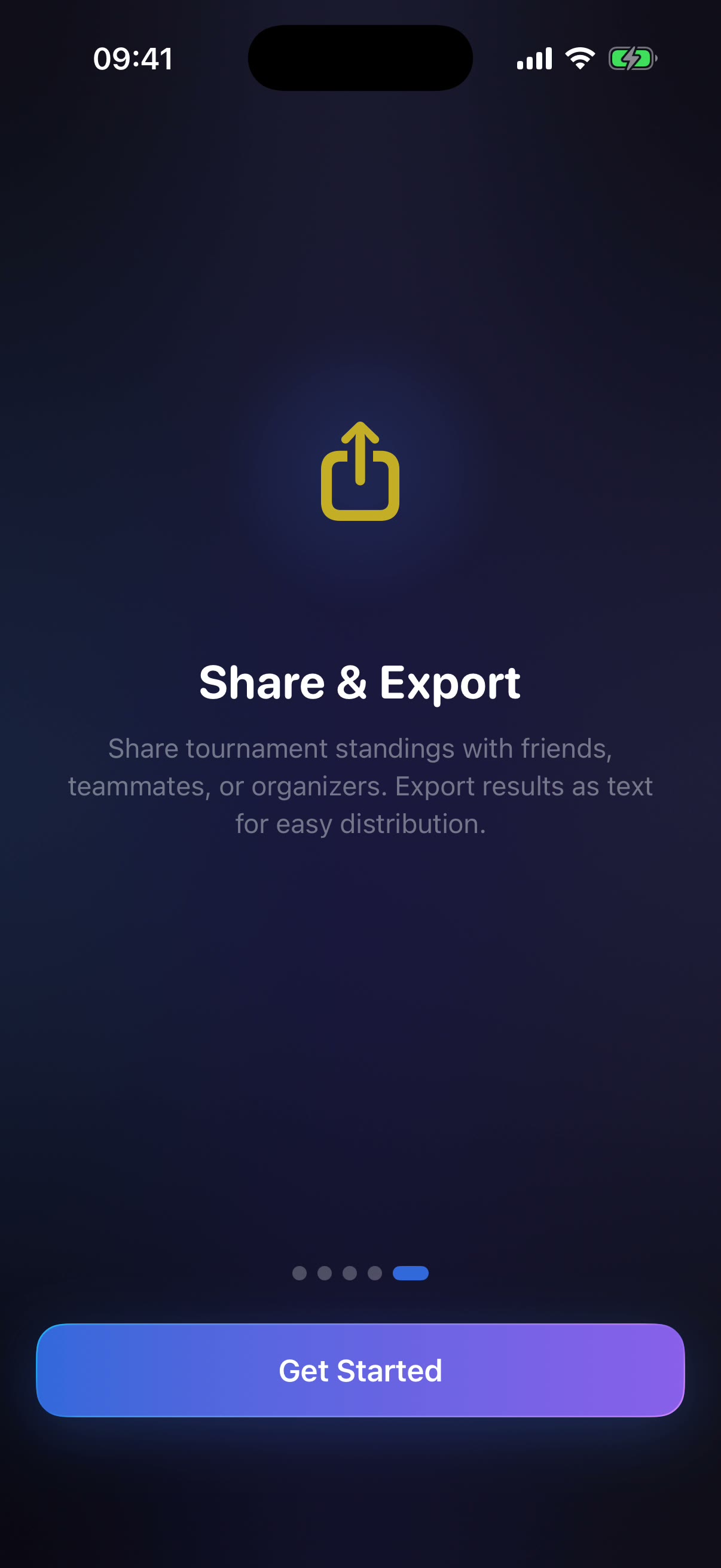
Share & export
Standings as text, or the whole tournament as a QR code.
Name it · Fill it · Score it
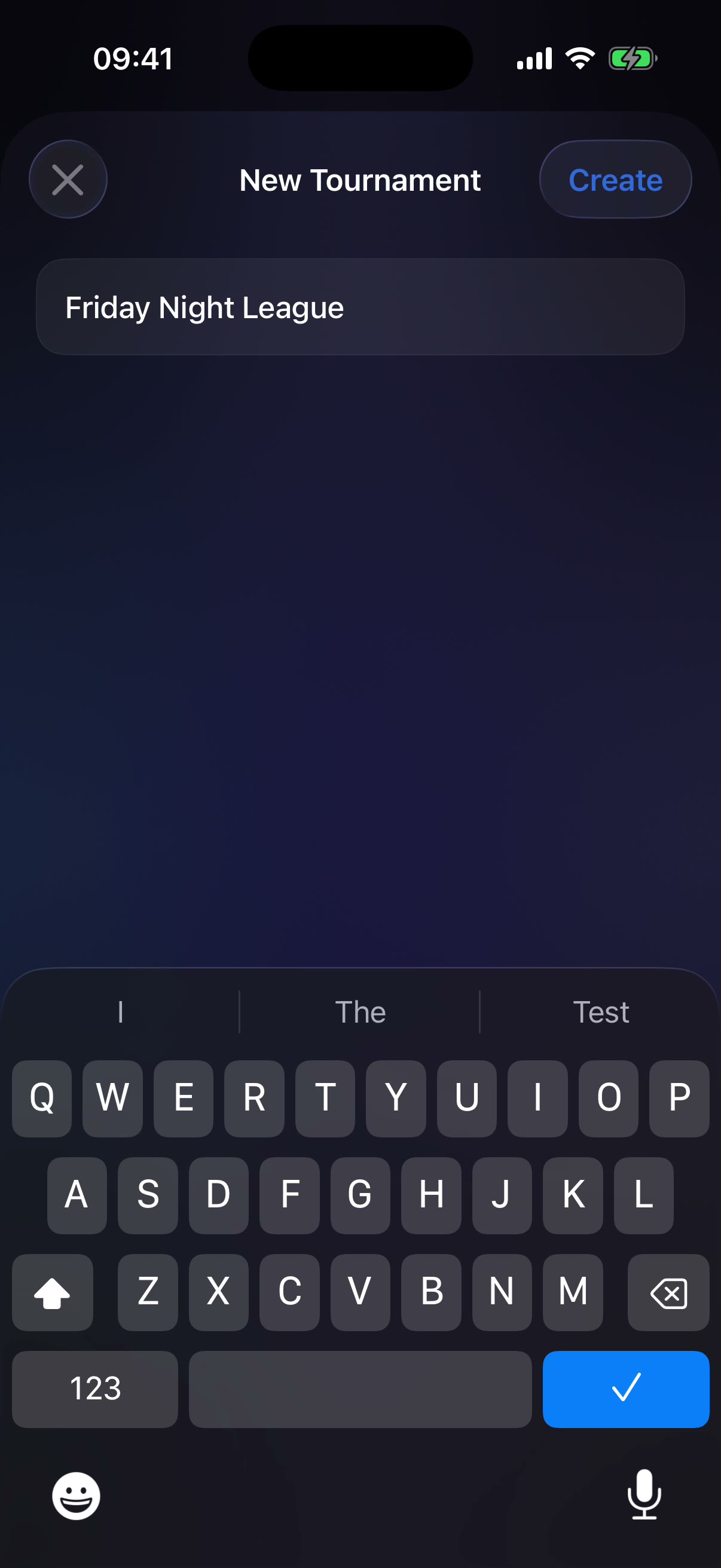
Name it
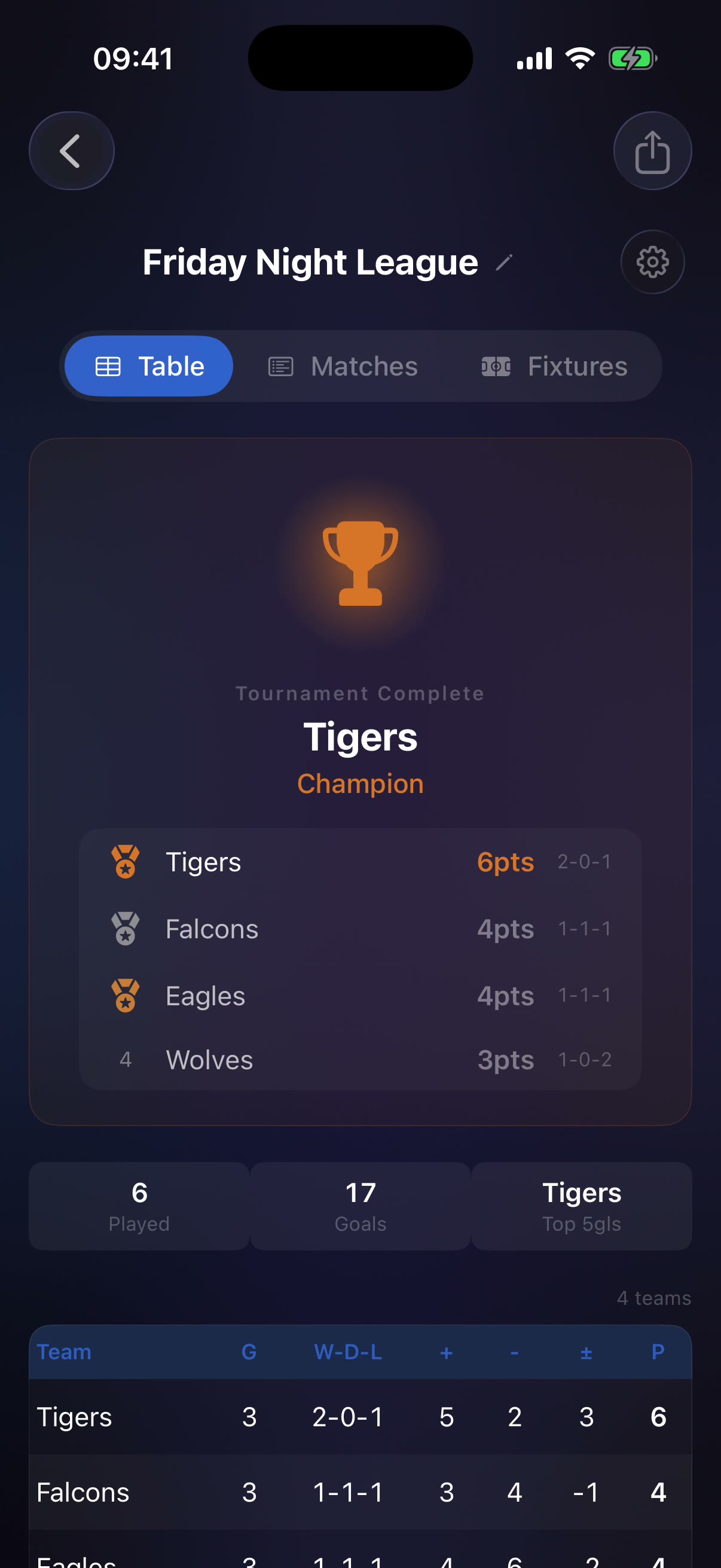
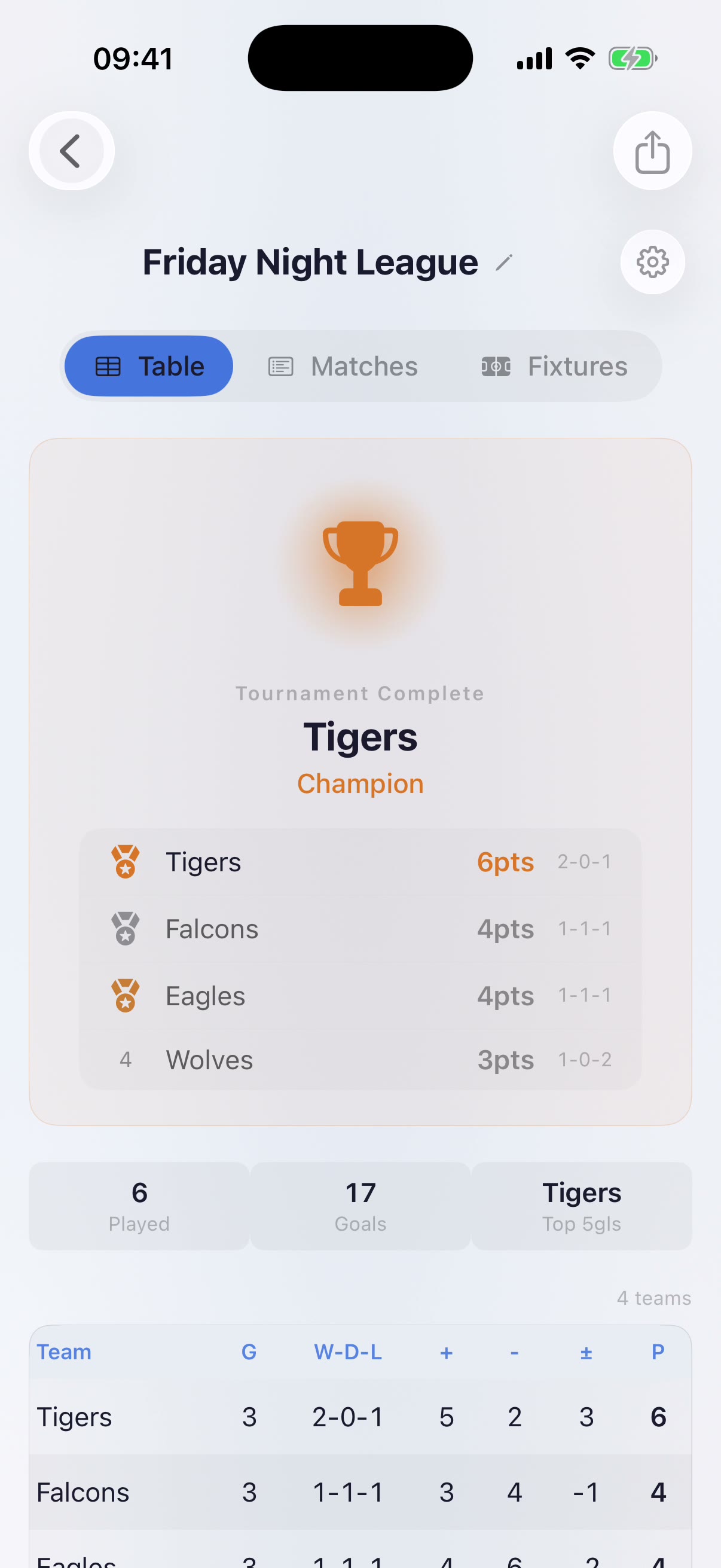
One field. “Friday Night League” is a tournament before the kettle boils.
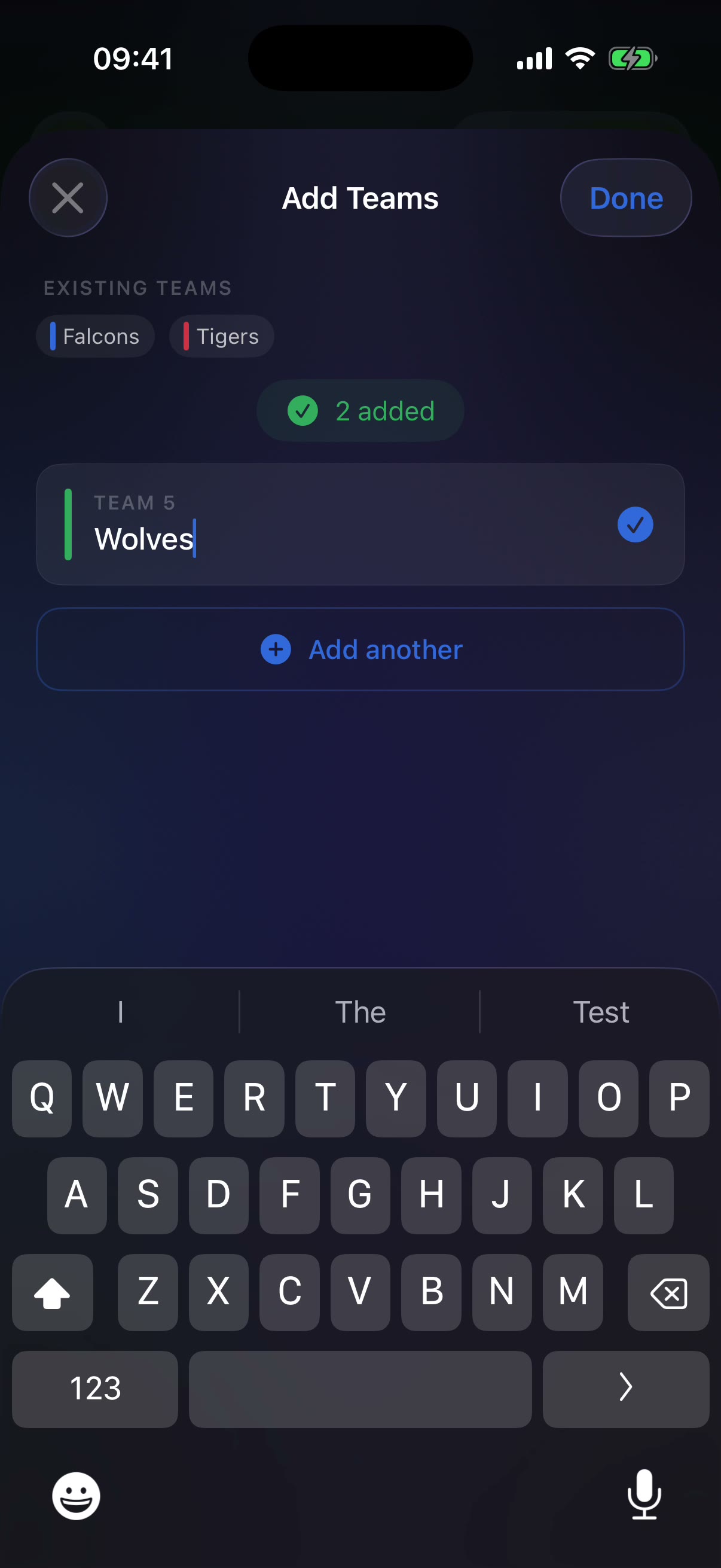
Fill it
Rapid-fire team entry with duplicate detection — each name gets a colour chip.
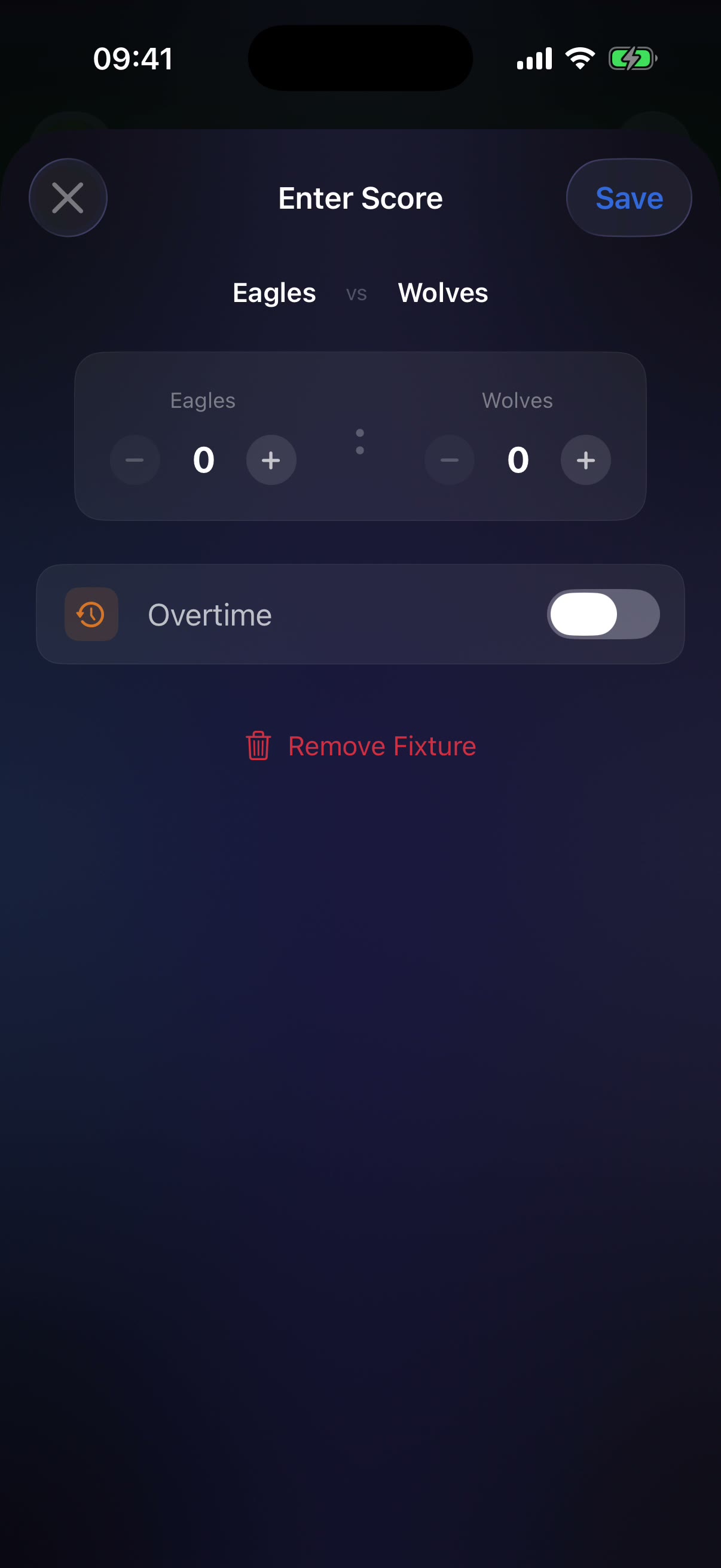
Score it
Tap a fixture, step the score, flag overtime, save. The table updates itself.
Fixtures that run themselves
The round-robin generator seeds randomly with SystemRandomNumberGenerator, supports 1–4 legs with home/away reversed on even legs, and tracks completion per matchday.
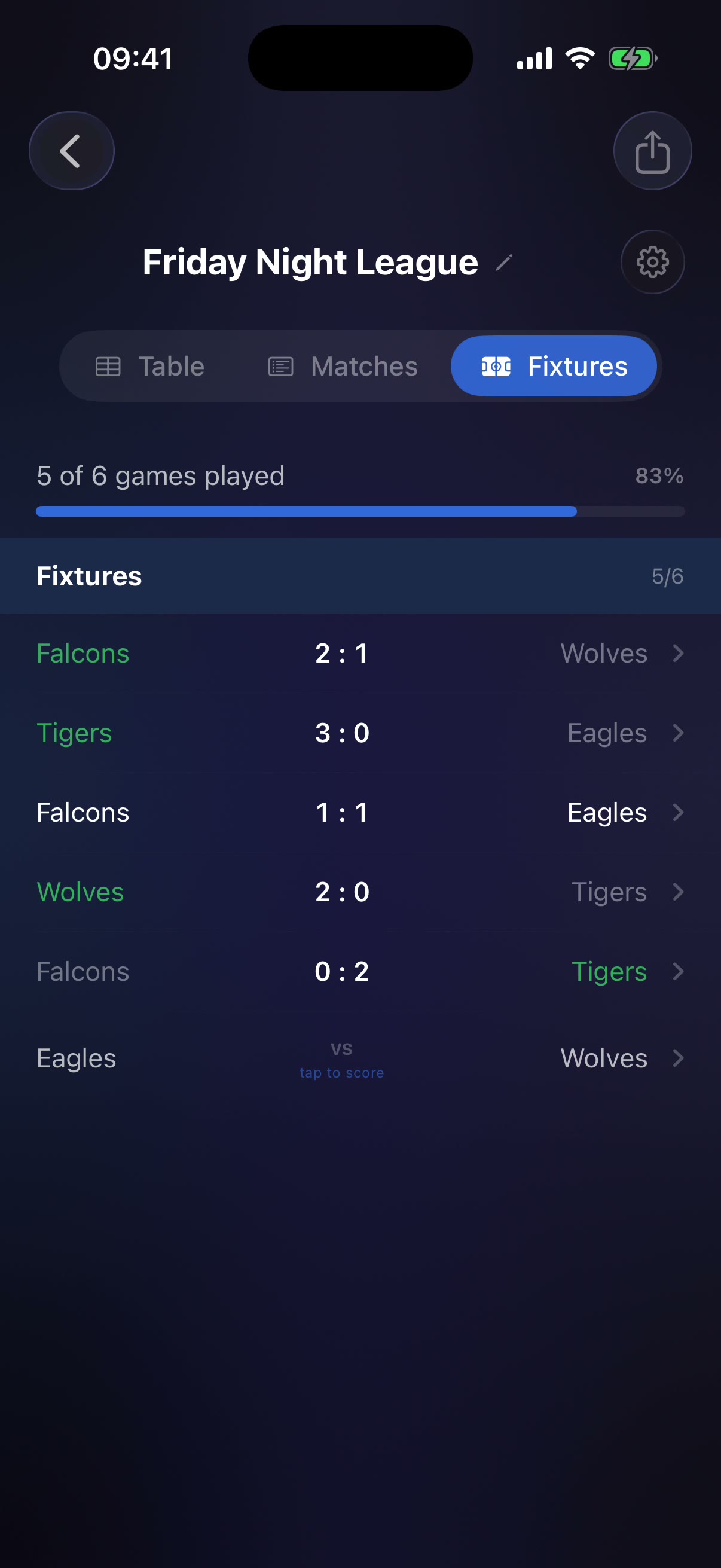
- Tap-to-score — pending fixtures read “vs”, completed ones show the result with winner colouring and an OT badge.
- Editable history — reopen any completed fixture to fix a score; the table follows.
- On-device AI recap — Apple Foundation Models (iOS 26+) writes a match summary of the leader, the gaps and the thrillers; a local generator covers every other device.
A cup that handles the maths
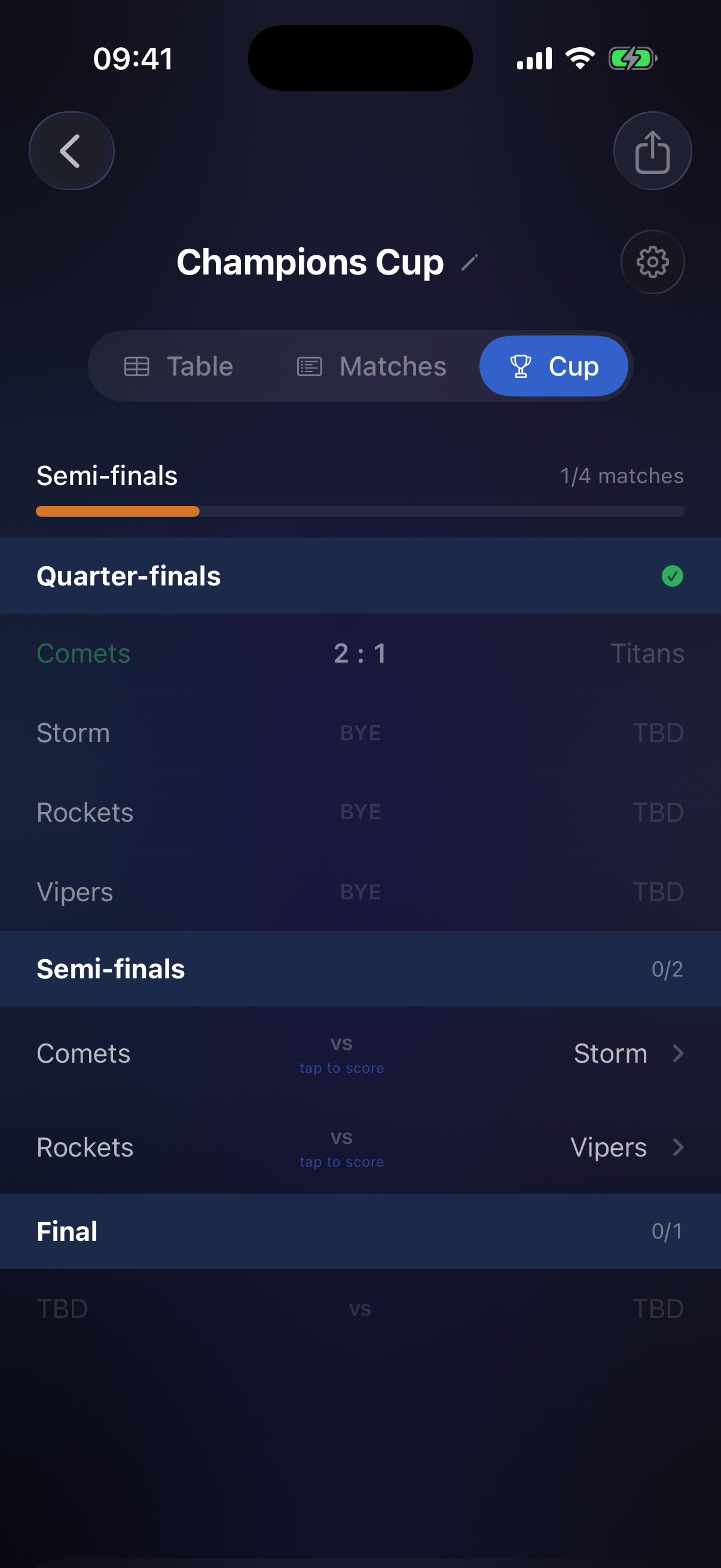
Five teams? Eleven? The bracket generator seeds randomly, places byes so no two ever collide, and cascades bye-winners through the rounds in a two-pass sweep — so the draw is always playable, whatever the headcount.
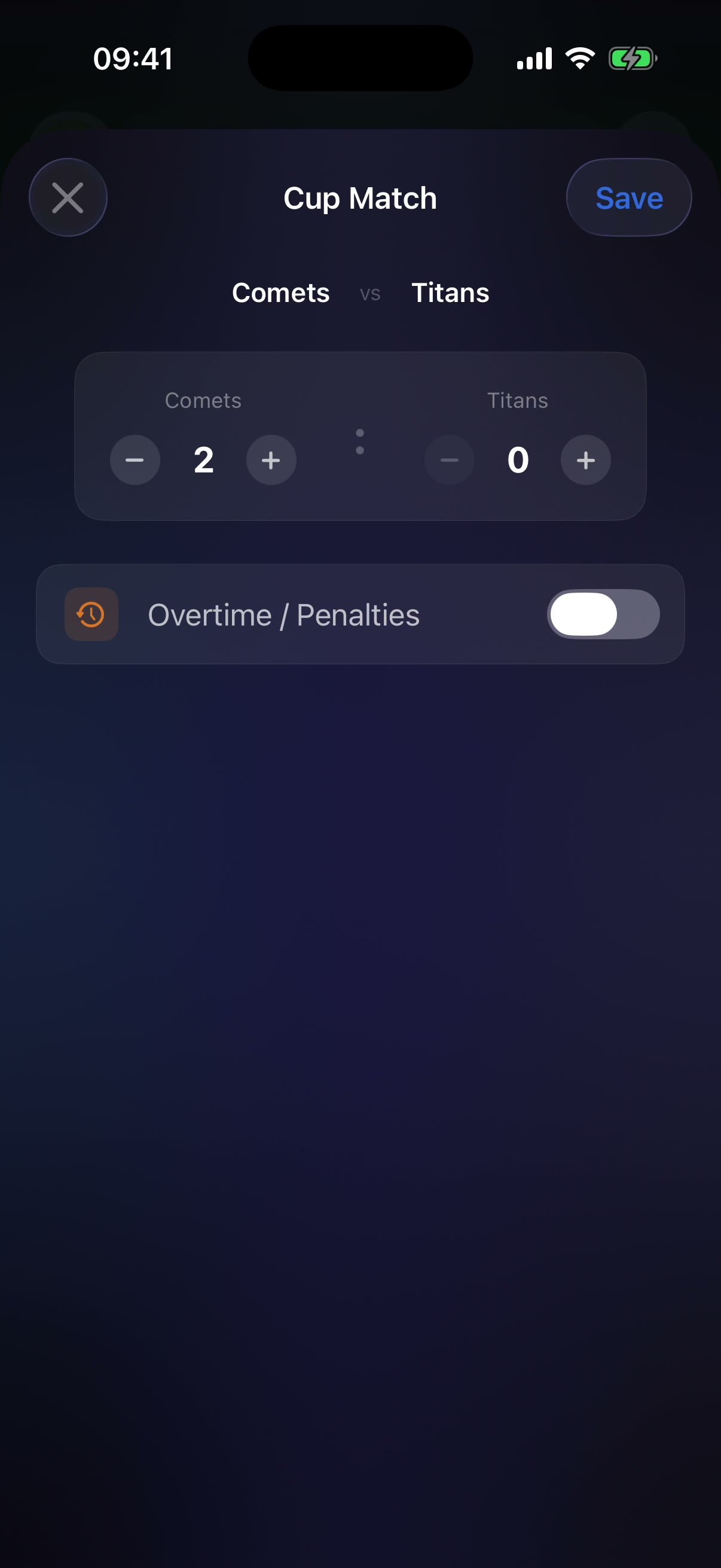
- No draws allowed — the save button refuses level scores; overtime and penalties get their own toggle.
- Winners advance themselves — record a result and the next round fills in, byes resolved automatically.
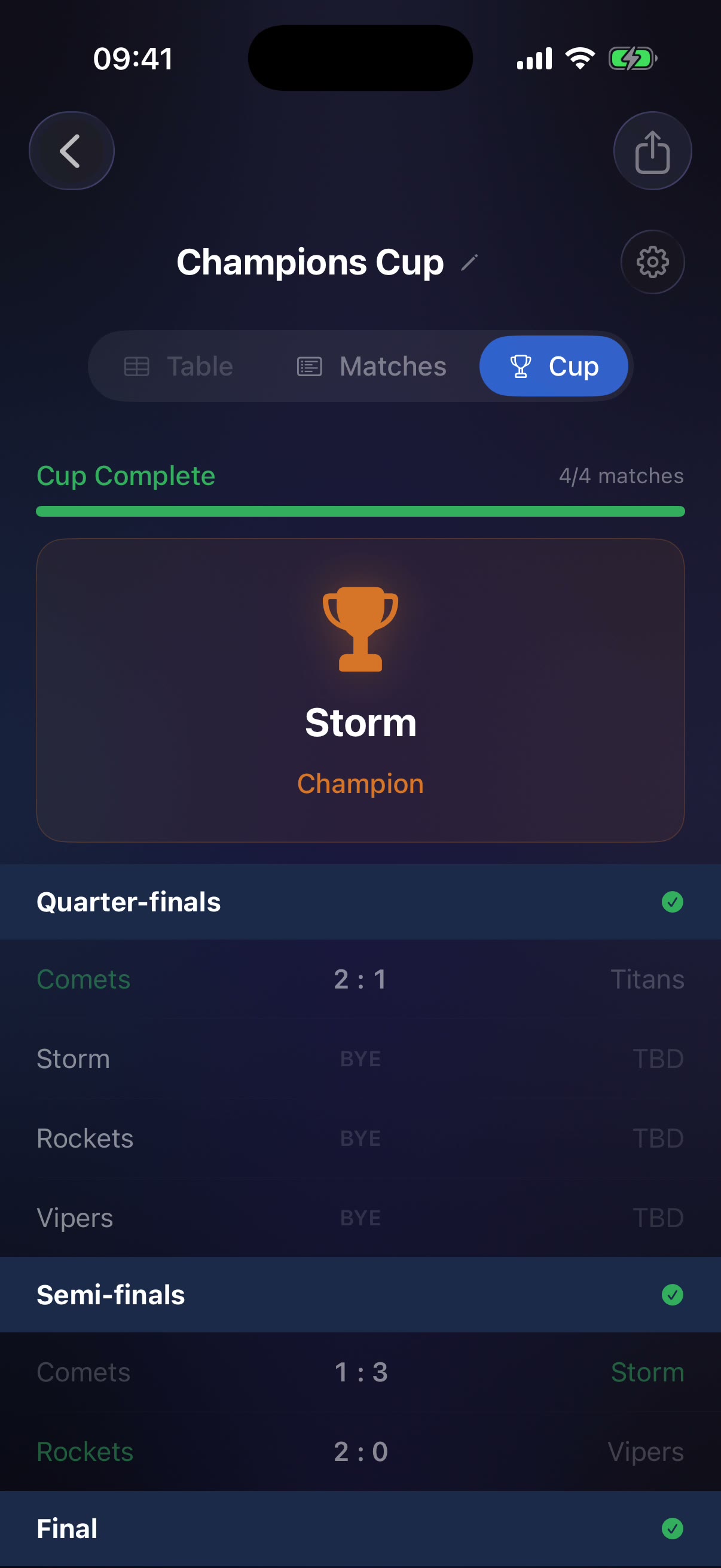
- Quarter-finals to crown — round names, per-round progress, and a champion banner under a trophy.
Watch a knockout run
Five teams enter the Champions Cup. The bracket seeds with three byes, four real matches get scored — quarter-final, two semis, a final — and Storm lift the trophy.
- Watch the cascade: the moment the bracket generates, bye-winners are already waiting in the semi-finals.
- Sudden death by design: every tap of the stepper matters — the sheet won’t save a tie.
A pundit in your pocket
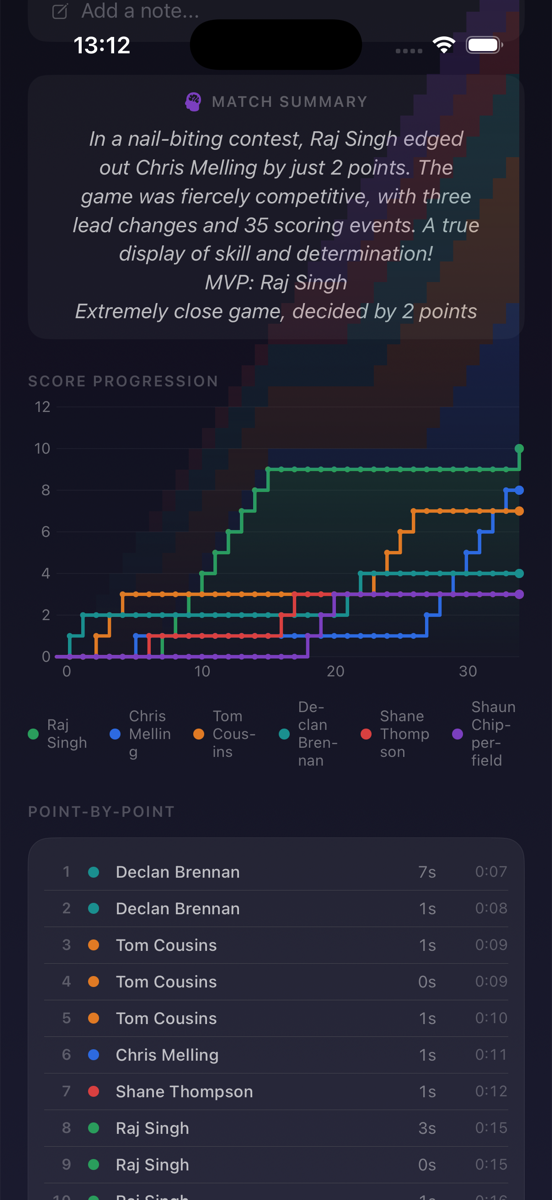
Every tournament gets a written match summary — generated by Apple Foundation Models entirely on-device on iOS 26, with an intelligent local fallback everywhere else. No cloud, no API key, no data leaving the phone.
- Real punditry — the capture on the right is a live summary from an actual pool league: “Raj Singh edged out Chris Melling by just 2 points… three lead changes and 35 scoring events.”
- Score progression chart — every player’s position traced round by round, so the season’s story is one glance.
- Always current — the summary regenerates as results change, calling out leaders, gaps, thrillers and draws.
Dark by night,
light by daylight
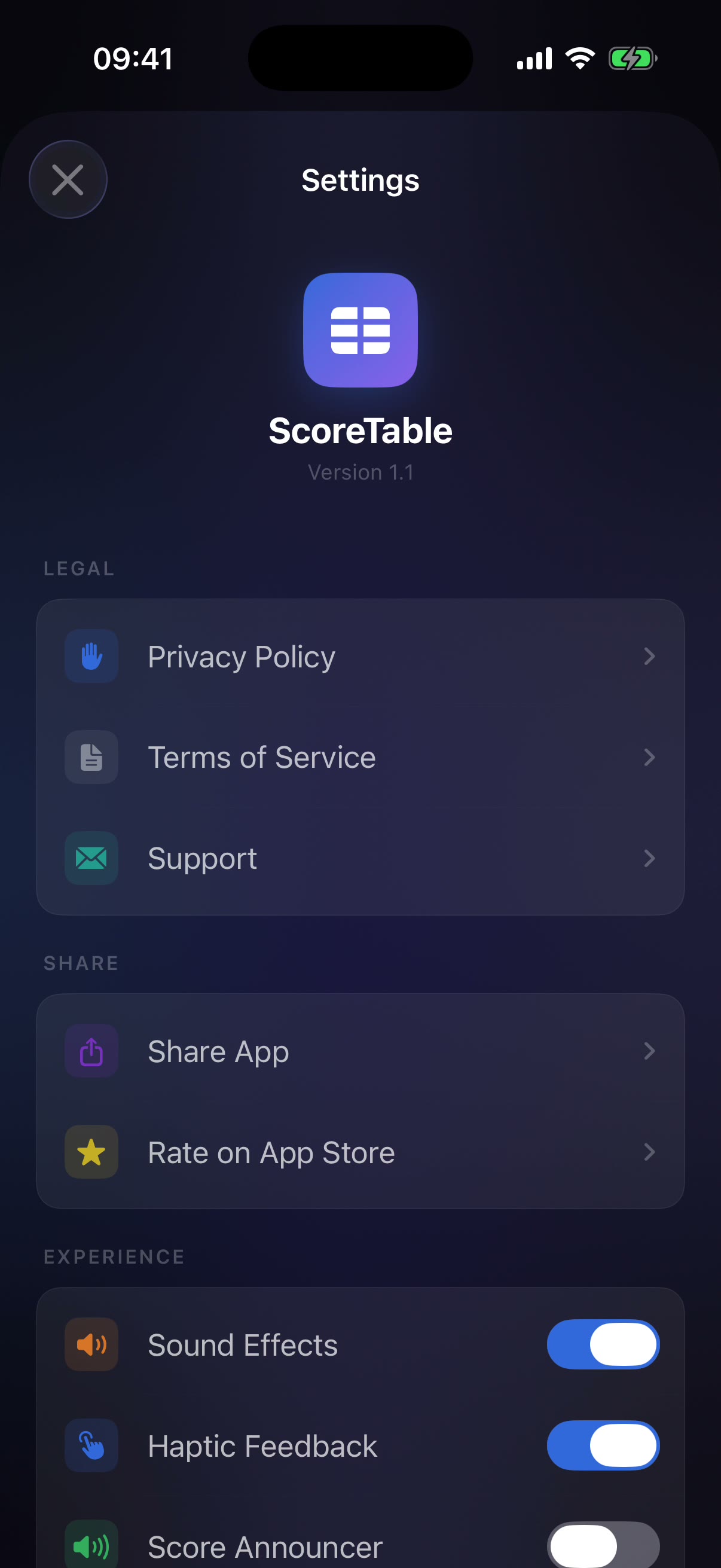
One toggle in Settings — Dark, Light or System — and every screen re-skins live: mesh gradient backgrounds, glass cards, table stripes and team chips all have hand-tuned adaptive palettes.
- Liquid Glass on iOS 26 — real glass effects where the OS supports them,
.ultraThinMaterialfallbacks where it doesn’t. - Feel switches — sound effects, haptics, a score announcer and quick-start templates each get their own toggle.
- Details survive the flip — winner greens, danger reds and the trophy orange stay legible in both worlds.
The table travels
- QR hand-off — export a whole tournament (teams, fixtures, scores, settings) as a QR code; the built-in scanner imports it on any other device.
- App Clip — friends scan and see the standings instantly, no install required.
- Home-screen widget — the live table on the home screen via a widget extension and shared App Group data.
- Siri & Shortcuts — App Intents open your tournament by voice.
- iCloud sync — SwiftData + CloudKit keeps every device on the same score, with a graceful local fallback.
Live on the App Store
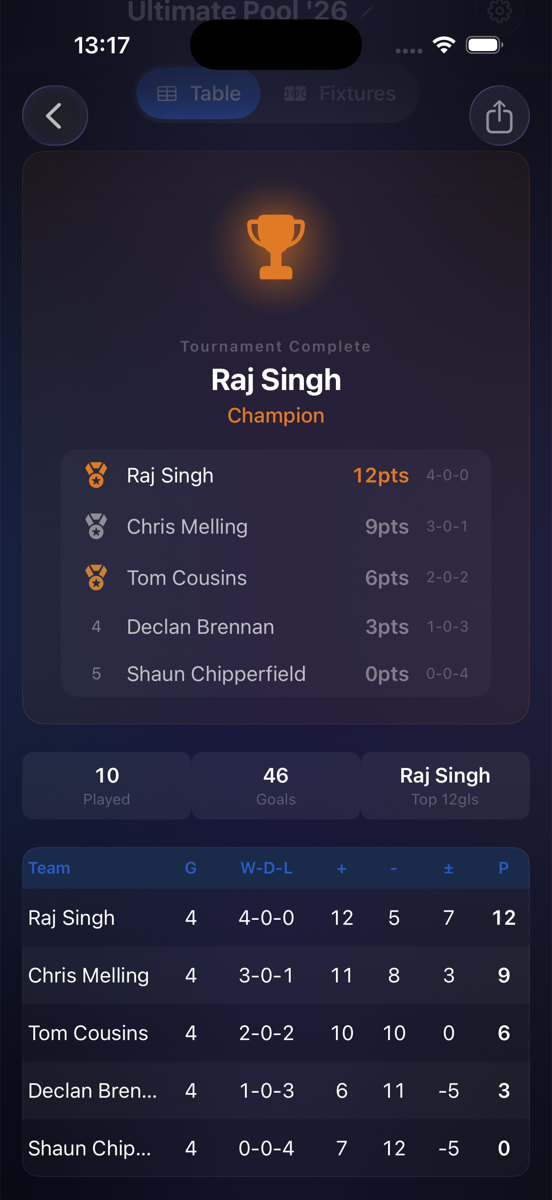
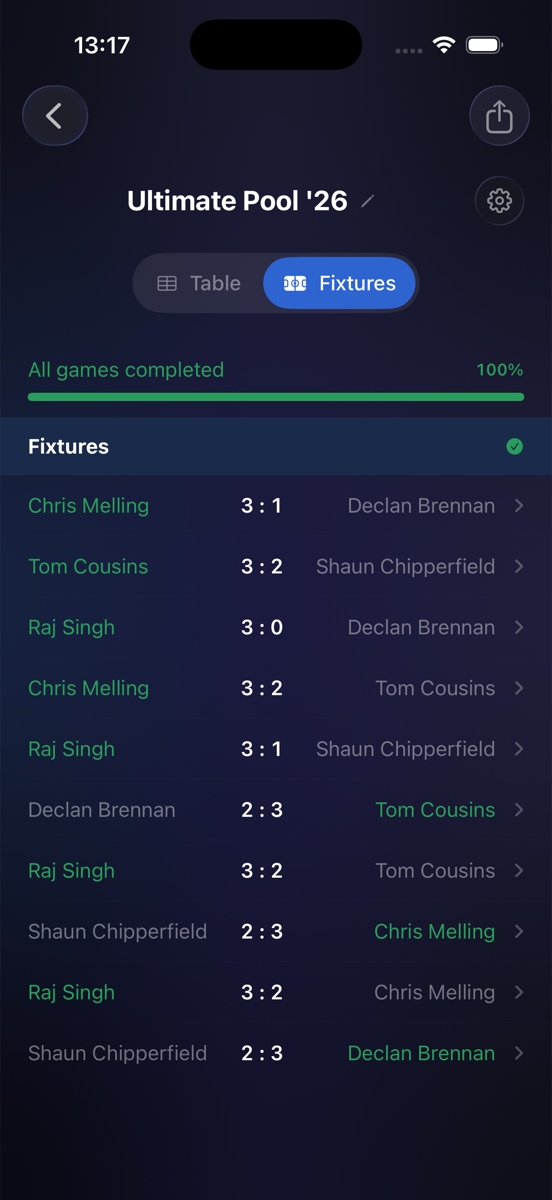
Released as “ScoreTable – Tournaments” — free to download. These captures come from a real device running a real pool league, Ultimate Pool ’26.
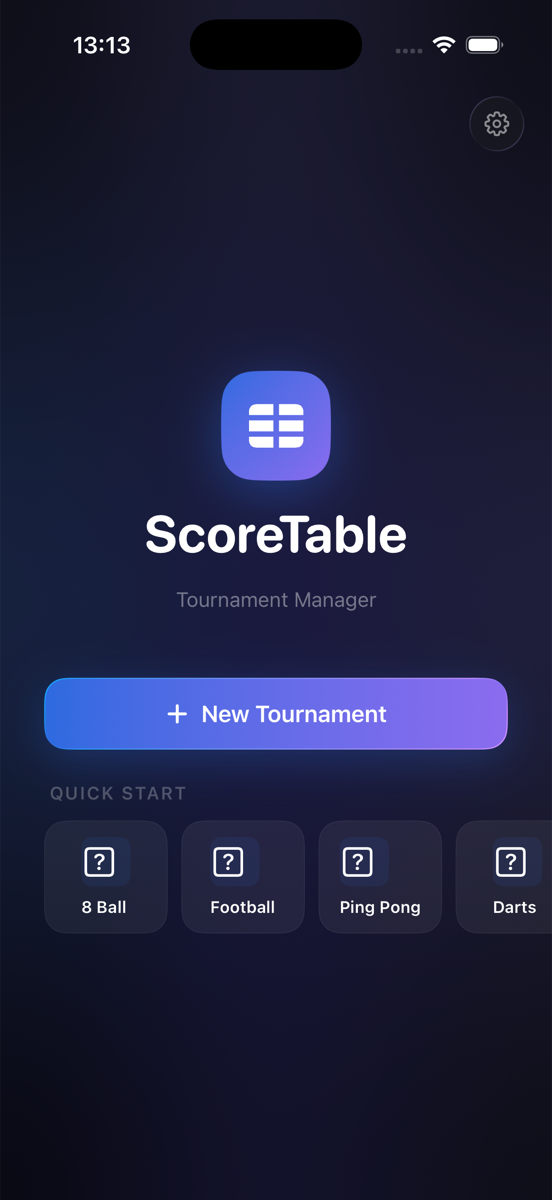
The hub
Recent tournaments, quick start and one big friendly button.
The crowning
Ultimate Pool ’26 complete — trophy, champion and final table.
The season
Every fixture played, progress at 100%, history kept.